

Big launches get the headlines, but a lot of the difference for a team comes from small changes in the CMS. HM Core 2025.12.1 had nine new features. These are the ones that save time or stop questions going to the wrong place.
Contact forms you manage yourself
There’s a new Dynamic Contact Forms module in the CMS, so contact forms are something you can manage yourself. There are also new options to hide unread form entries from the CMS dashboard, which helps keep the list focused on what needs an answer.
A pause option for chat
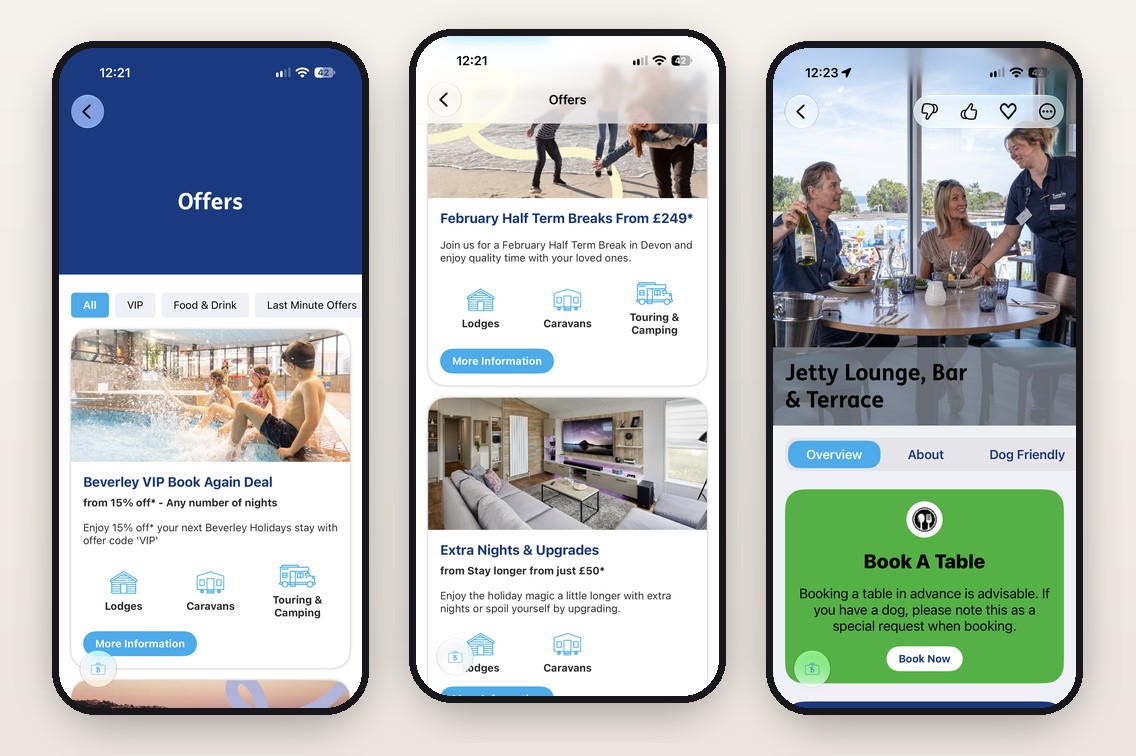
If you use the chat module, there are now options to pause live chat when you’d rather guests were sent to a person. Guests should always have a clear route to a member of your team, and this gives you more control over that.
The right contact for the right place
You can now set a different phone number and email address for an individual holiday home listing or location. That means, for example, a home enquiry can reach the person who handles sales, while a question about another area goes to the team that runs it.

Secure log in links for guests
Guests who log in with a holiday booking can now do it through a secure login URL, if your booking system supports it. If you’re not sure whether yours does, ask us.
A few more
YouTube videos can now sit on What’s On events. The People module shows last login times for users who log in through the app. There are extra sort and filter options for places, and image and icon uploads now have minimum sizes, which helps keep things looking sharp.
Read the full list on the HolidaymakerXP community, or see what else came with the autumn 2025 release.
Want to see this working for you?
Tell us what you run and we’ll show you what HolidaymakerXP could do for you.
Questions we are asked
Do I need to ask for these features?
They arrive with HM Core 2025.12.1 and above. If you’re not sure which version your CMS is on, get in touch.
Does the secure login link work with every booking system?
Only where the booking system supports it. We’ll tell you if yours does.
Why are list descriptions limited to 150 characters?
The limit stops longer text causing display problems.